Arrow Functions in JavaScript: A Simpler Way to Write Functions
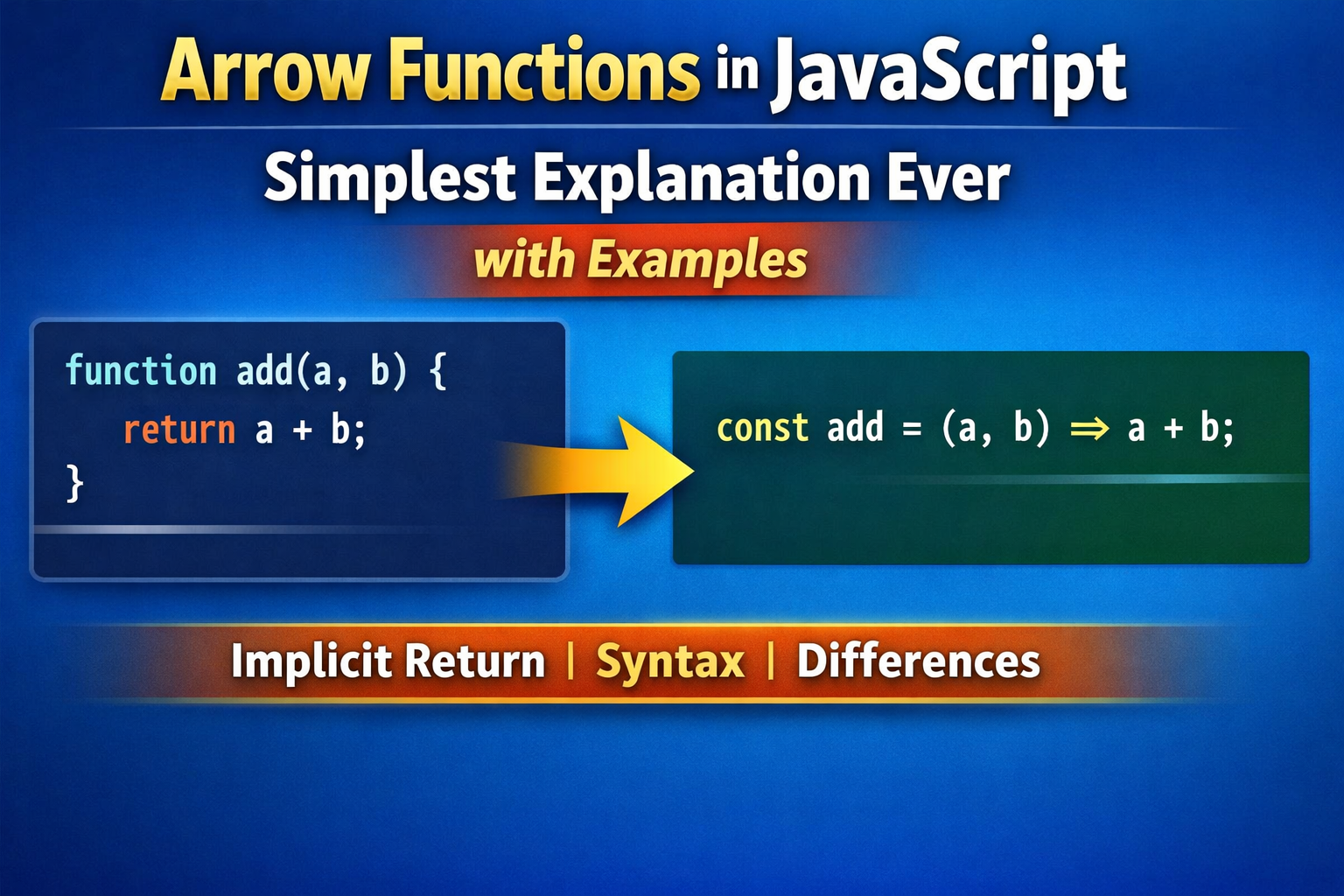
Arrow functions were introduced in ES6 (2015) to make writing functions shorter and cleaner. They are especially useful for small functions and callbacks.
Let’s understand them step-by-step in simple language with examples.
1. What Arrow Functions Are
An arrow function is simply a shorter way to write a function in JavaScript.
Before ES6, we mostly wrote functions like this:
function add(a, b) {
  return a + b;
}
With an arrow function, we can write the same thing like this:
const add = (a, b) => {
  return a + b;
};
Or even shorter:
const add = (a, b) => a + b;
👉 Same functionality, but less code and cleaner syntax.
Think of arrow functions as compact functions.
2. Basic Arrow Function Syntax
General syntax:
const functionName = (parameters) => {
  // code
}
Example:
const greet = () => {
  console.log("Hello World");
};

greet();
Output:
Hello World
Explanation:
const greet→ variable holding the function()→ parameters=>→ arrow symbol (defines the function){}→ function body
3. Arrow Function With One Parameter
If there is only one parameter, parentheses are optional.
Normal function:
function square(num) {
  return num * num;
}
Arrow function:
const square = num => {
  return num * num;
};
Example:
console.log(square(5));
Output:
25
You can also write it shorter:
const square = num => num * num;
4. Arrow Functions With Multiple Parameters
If there are multiple parameters, parentheses are required.
Example:
const multiply = (a, b) => {
  return a * b;
};

console.log(multiply(4, 5));
Output:
20
Short version:
const multiply = (a, b) => a * b;
5. Implicit Return vs Explicit Return
This is one of the most important concepts.
Explicit Return
When we use curly braces {}, we must write return.
const add = (a, b) => {
  return a + b;
};
Here we explicitly return the value.
Implicit Return
If we remove {}, JavaScript automatically returns the value.
const add = (a, b) => a + b;
No return needed.
Example:
const double = num => num * 2;

console.log(double(6));
Output:
12
Returning an Object
This is a common confusion.
Wrong:
const user = () => { name: "Pushkar" };
JavaScript thinks {} is a function block.
Correct:
const user = () => ({ name: "Pushkar" });
Output:
{ name: "Pushkar" }
6. Basic Difference Between Arrow Function and Normal Function
| Feature | Normal Function | Arrow Function |
|---|---|---|
| Syntax | Longer | Shorter |
this behavior |
Own this |
Inherits this from parent |
| Constructor | Can be used as constructor | Cannot be used as constructor |
| Arguments object | Available | Not available |
Example of this Difference
Normal function:
const person = {
  name: "Pushkar",
  greet: function () {
    console.log("Hello " + this.name);
  }
};

person.greet();
Output:
Hello Pushkar
Arrow function example:
const person = {
  name: "Pushkar",
  greet: () => {
    console.log("Hello " + this.name);
  }
};

person.greet();
Output:
Hello undefined
Why?
Because arrow functions do not have their own this.
They inherit this from the surrounding scope.
When Arrow Functions Are Commonly Used
Arrow functions are widely used in:
Callbacks
[1,2,3].map(num => num * 2);
Array methods
const numbers = [1,2,3,4];

const doubled = numbers.map(n => n * 2);

console.log(doubled);
Output:
[2,4,6,8]